 Daybar
Daybar
Daybar
Google Calendar, Outlook, and iCloud — one timeline in your menu bar. Add events in plain English, join meetings in one tap, and stay on time across every timezone. Pay once, own it forever. No subscription. Ever.
Apple Silicon & Intel Mac · macOS 12+ · Instant download
Intel Mac not detected? Download Intel build ↓
✓ 7-day money-back guarantee · ✓ No account required · ✓ Private by default
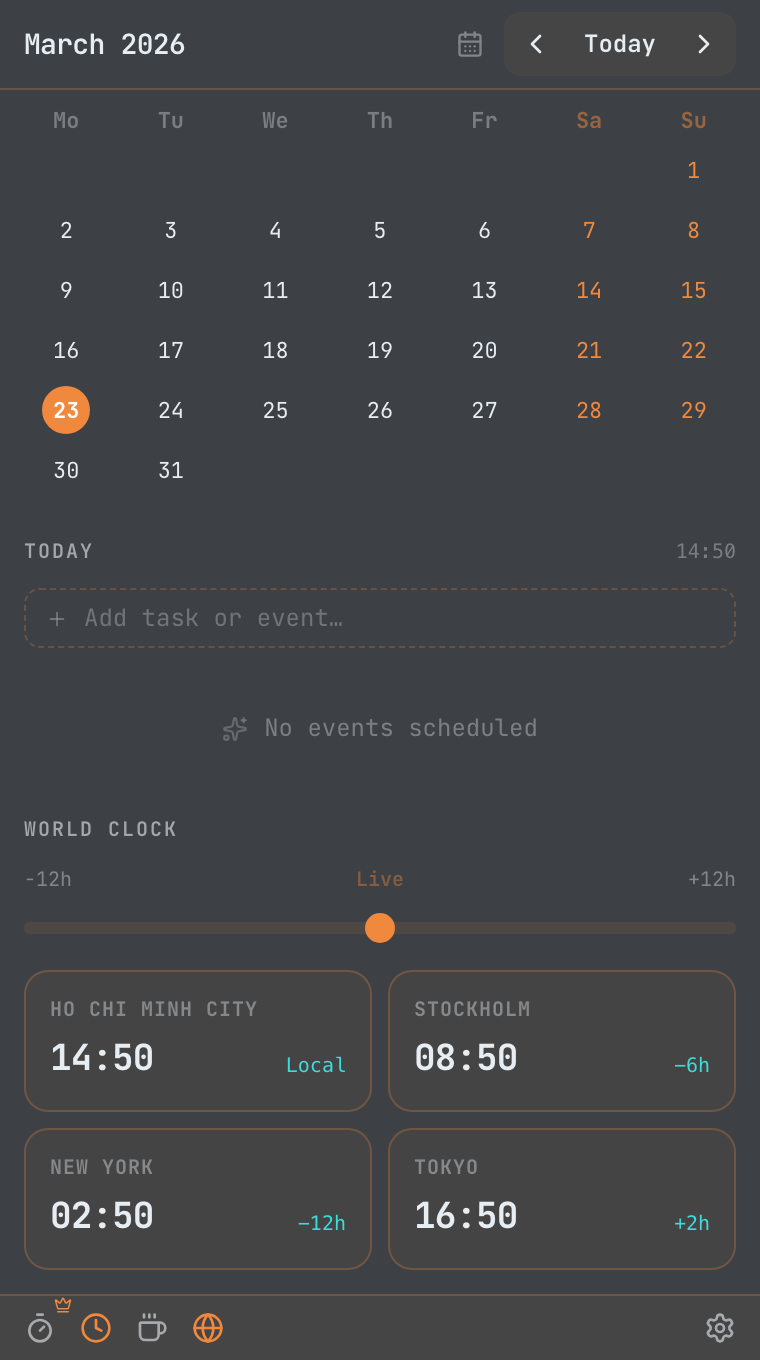
Click the menu bar, type "lunch tomorrow at noon", hit Enter. That's the whole workflow.
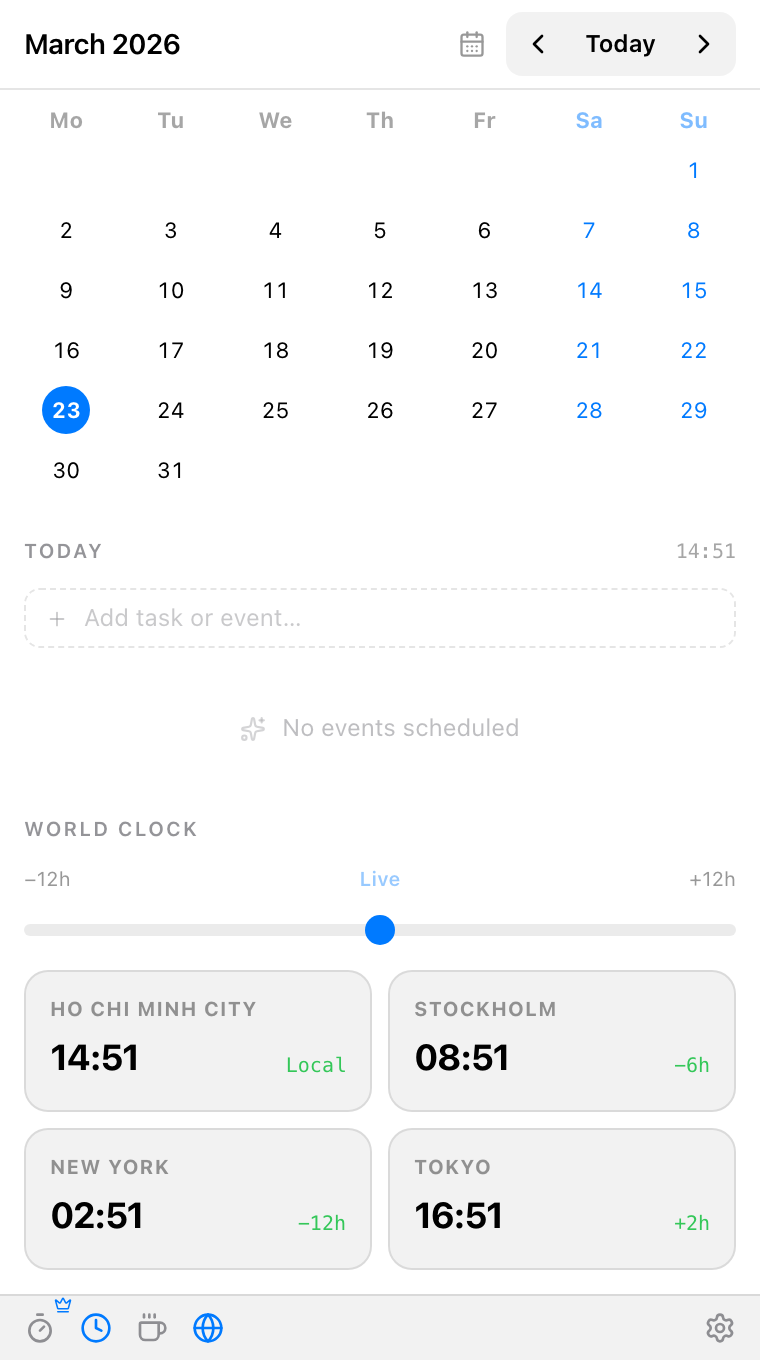
Everything you see here is captured from the actual Daybar app.
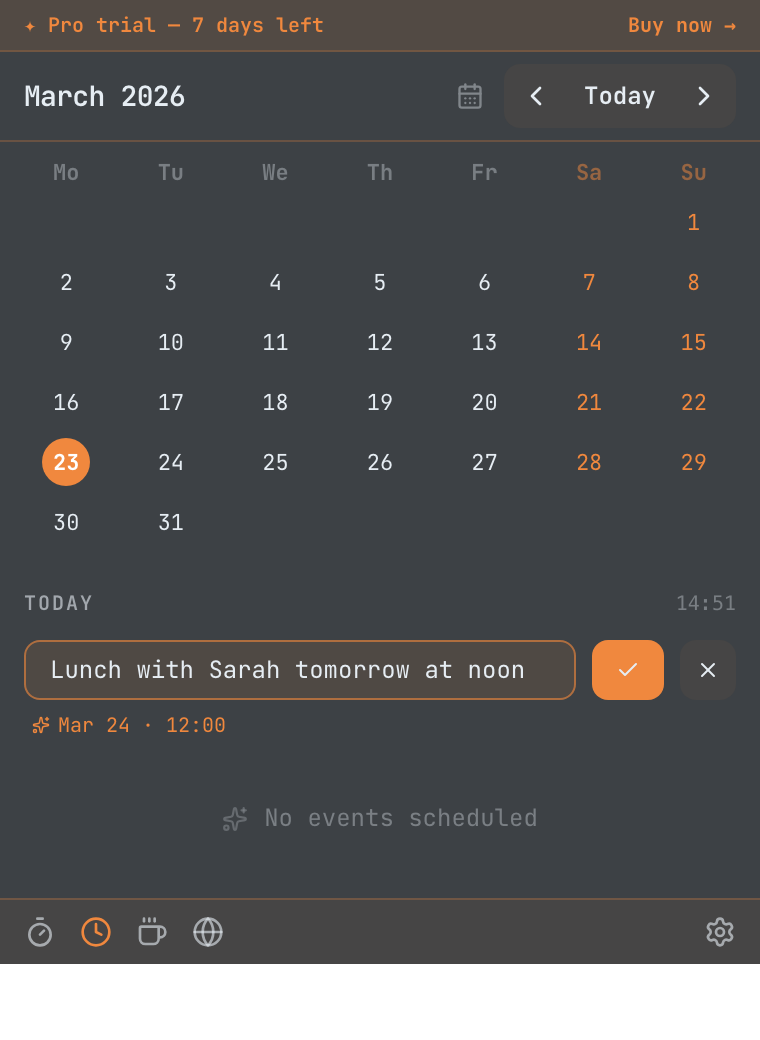
✍️ Natural language scheduling
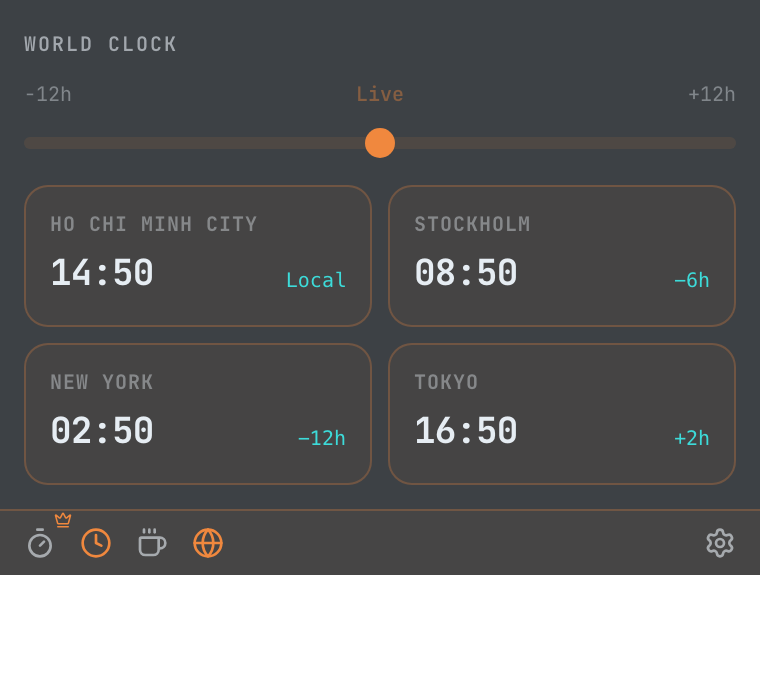
🌍 World clocks for global teams
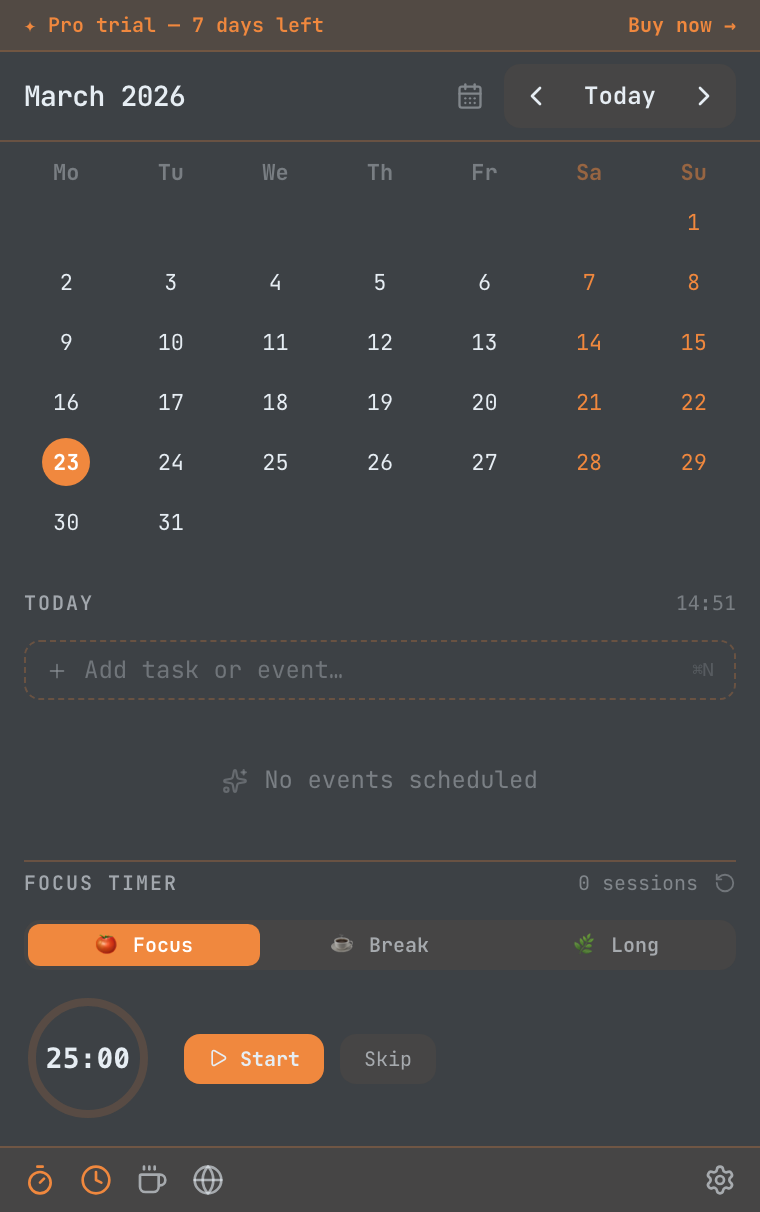
🍅 Built-in Pomodoro focus timer
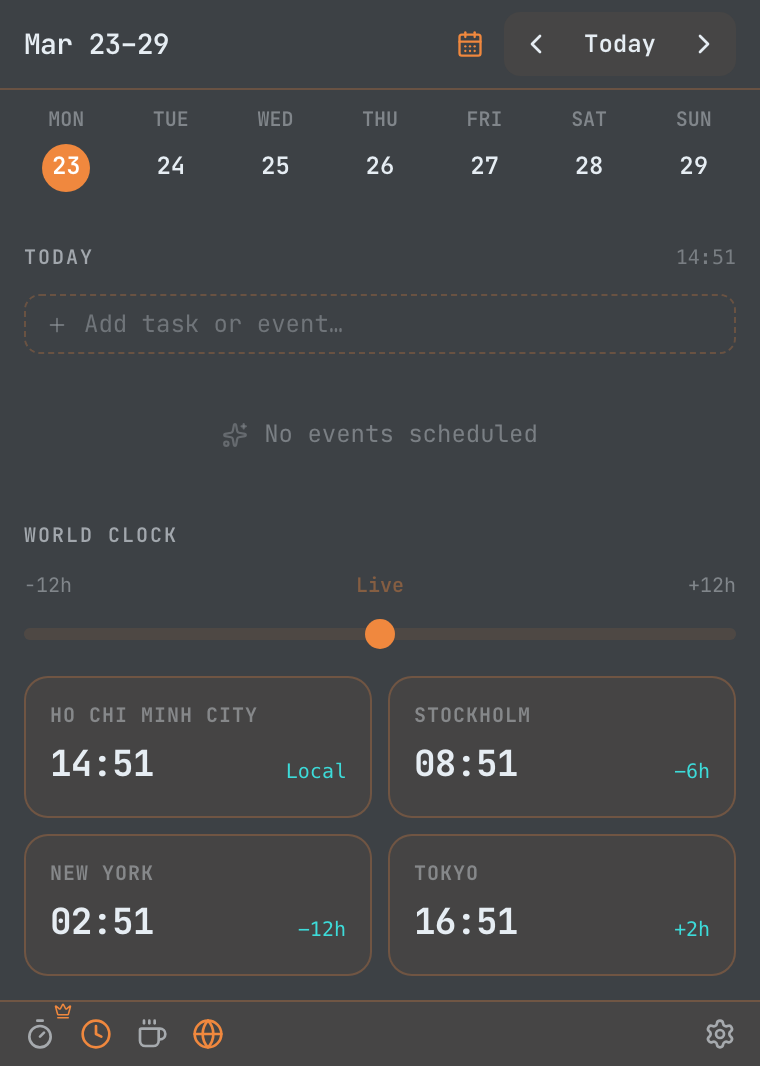
📅 Month & week calendar views
🎨 12 beautiful themes to choose from
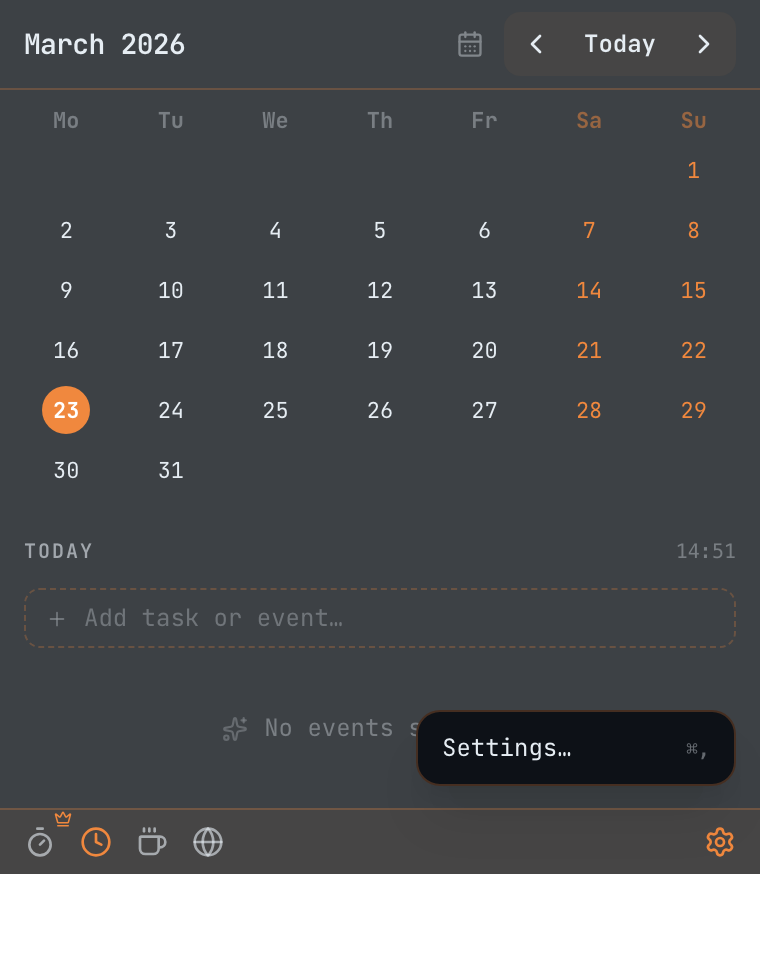
⚙️ Fully customizable, keyboard-first
Daybar stays out of your way - until you need it. One click, full context.
Google Calendar (multi-account), Microsoft Outlook, and iCloud — merged into a single day view. Tokens are encrypted on your device; your credentials never touch our servers, because we don't have any.
Your menu bar shows a live countdown to your next meeting — "Next Meeting · 12m" — so you feel the clock without opening anything.
A built-in Pomodoro timer that checks your schedule before each session — so a 25-minute focus block never collides with a meeting you forgot about.
Type "lunch with Sarah tomorrow at noon" and watch the date, time, and title parse live as you type — then the event lands straight on your connected calendar.
Add up to 44 cities and drag the time scrubber to preview overlapping hours across timezones.
Prevent your Mac from sleeping during presentations or long reads.
Stop digging through invite notes. Daybar finds the join link in any event — Zoom, Google Meet, Teams, Webex, Whereby, Jitsi, and 20 more platforms — and puts it one shortcut away.
A minimal glassmorphic HUD in the corner of your screen shows the time, your next event, and task count.
Auto, macOS-native, Light, and Dark are free forever. Pro unlocks Midnight Auto, Midnight Light, Midnight Dark, Nord, Dracula, Rosé Pine, Solarized, and Tokyo Night - plus a full accent color picker.
One 8 AM notification — "3 meetings, 2 tasks" — so your morning starts with a plan, not an inbox.
Toggle Daybar with ⌘⇧D, jump to your next meeting link with ⌘⇧M, or add a new event with ⌘⇧E - from anywhere in macOS.
Add and check off tasks directly from the menu bar.
Four themes ship free. Unlock eight more with Pro, plus a custom accent color picker.
Don't just take our word for it. Here's what early adopters are saying.
Everything a $40/year calendar app does — for $14.99, once. No subscriptions, no renewals, no gotchas.
safeStorage API (macOS Keychain / Windows DPAPI). Your credentials never leave your computer. You can connect multiple accounts and revoke them at any time from Settings.Free to start, 7-day Pro trial included — no account, no credit card. Yours forever for $14.99.
Apple Silicon & Intel Mac · macOS 12+ · Instant download